Start one server. Grow it into a network.
Pick a ready-made setup sized for your players, give it an icon and a MOTD in the game's colours, and when your community grows, put a proxy in front and run it all as one network.
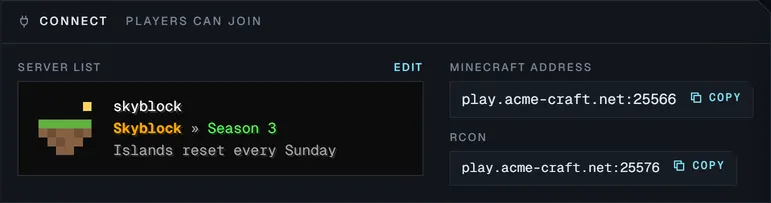
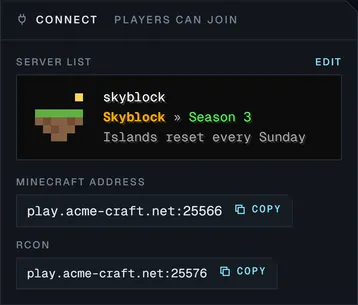
Your server list entry, exactly as players see it.
Write the MOTD in the game's own colours and drop in an icon. Perland shows the entry the way the multiplayer list does, so what you save is what your players get.
- Colours
- All sixteen chat colours, bold, italic, underline and scrambled text
- Icon
- Upload any image and it is fitted to 64 × 64 for you
- Address
- One click copies the address to send to your players
Start a server the easy way.
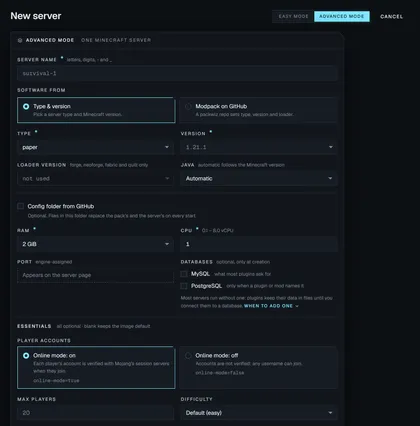
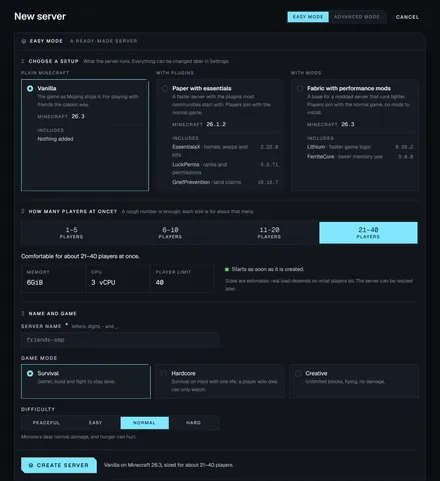
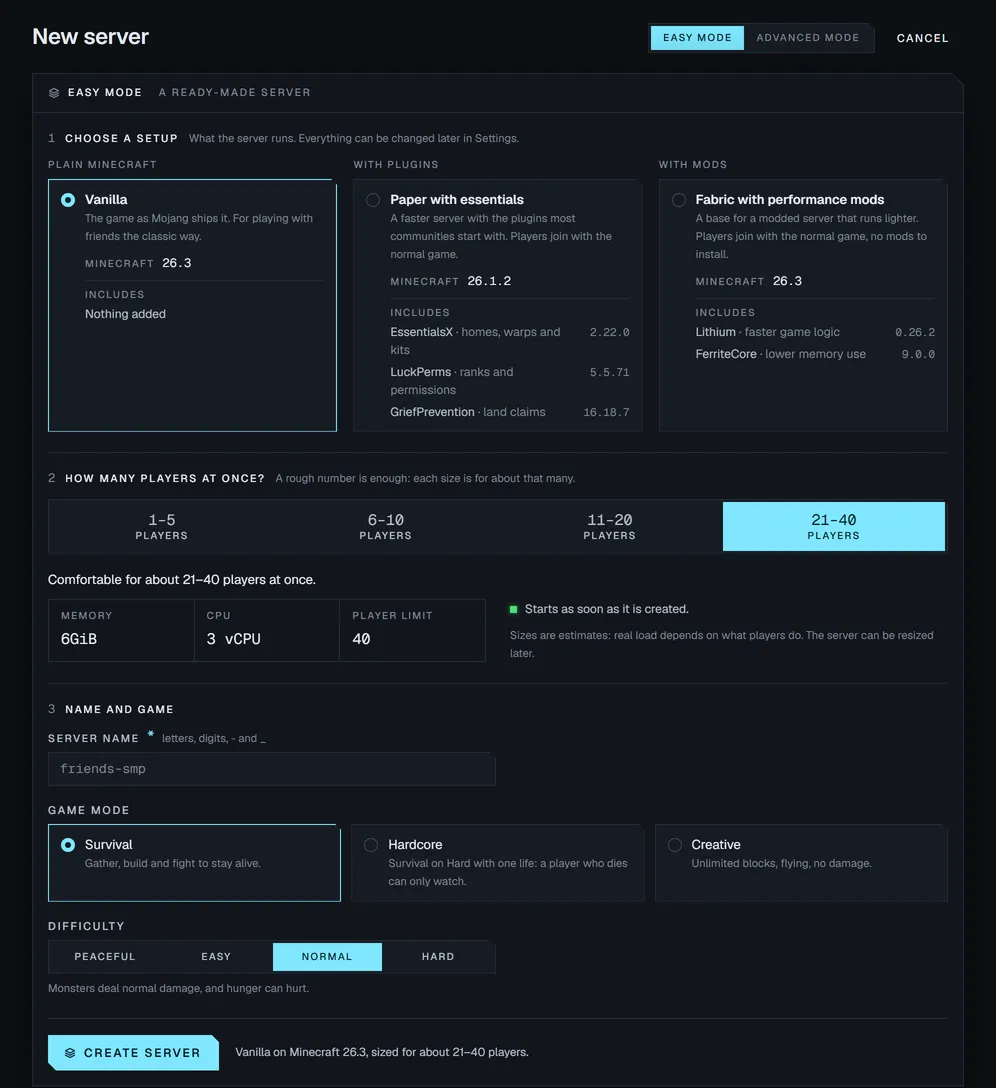
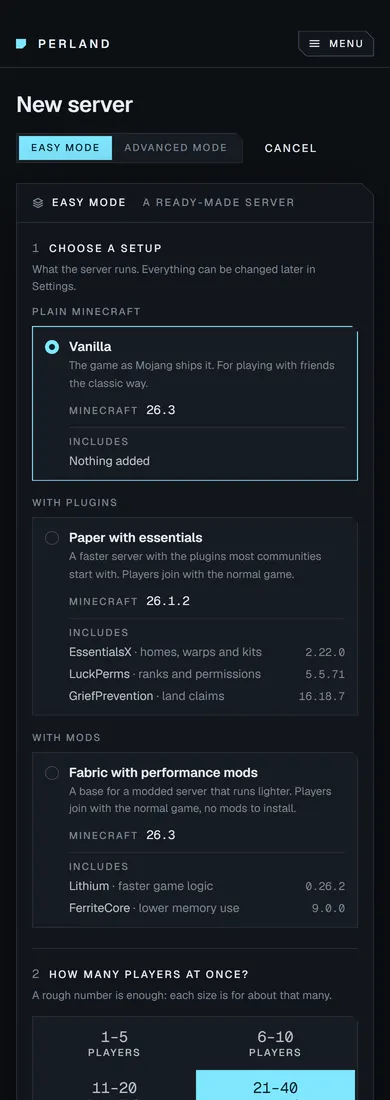
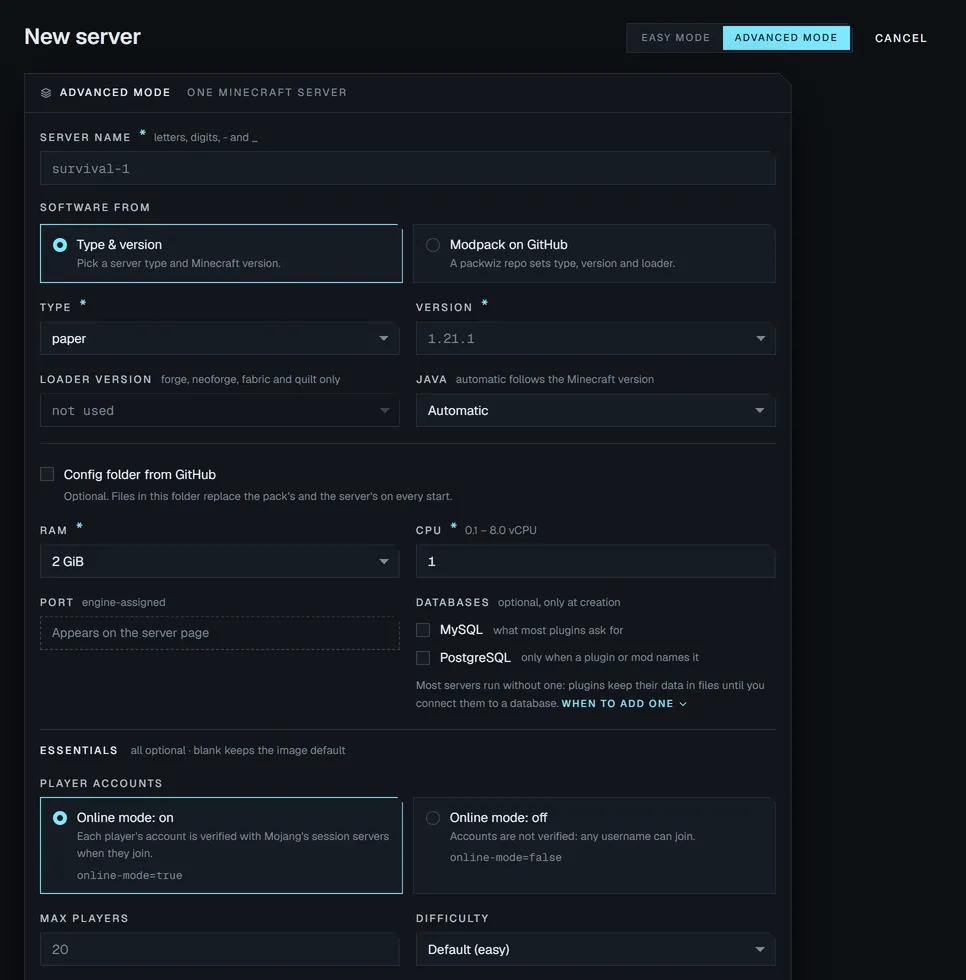
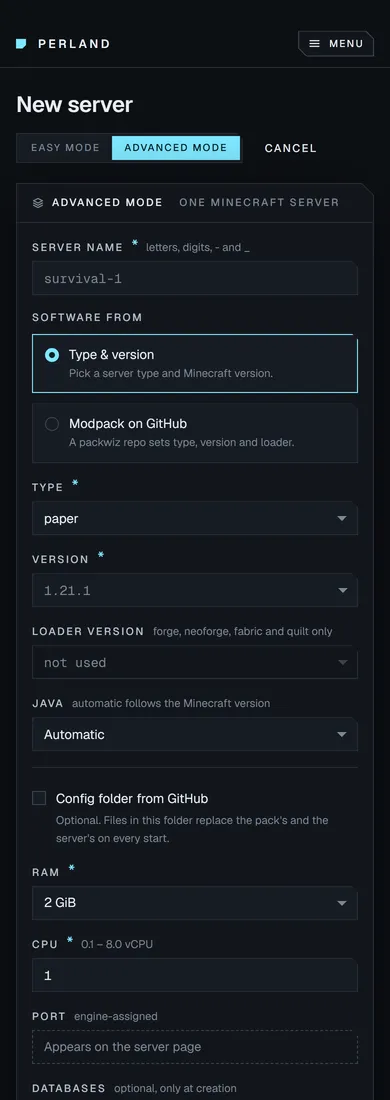
Easy mode starts from a ready-made setup and sizes the memory and CPU for how many players you expect. When you want more control, Advanced mode has every setting, and you can switch between them without losing what you entered.
Easy mode
- Setups
- Ready-made servers such as Vanilla, Paper with essential plugins or Fabric with performance mods
- Sizing
- Sized for how many players you expect, and resizable later
- Game modes
- Survival, Hardcore or Creative
Advanced mode
- Software
- Modpacks
- Start from a modpack on GitHub and it sets the software, version and loader
- Accounts
- Online mode on or off, with whitelist and operators
- World
- Your seed and level type, or a world you already have
- Databases
- MySQL and PostgreSQL beside the server
Your proxy and its servers, managed as one.
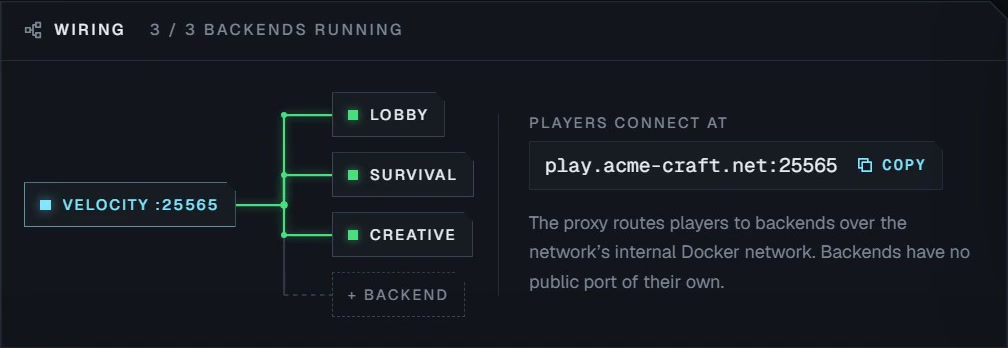
Most panels treat every server as a separate island and leave the wiring to you. Perland runs the proxy and the servers behind it as one network: one address for players, one restart for everything, or one server at a time.
- Proxies
A restart, sped up. The wiring lights as each server reports healthy.
Get early access to Perland.
Perland is in private pre-release. Join the waitlist and we'll let you know as soon as early access opens.