Perland Launcher
A free, open-source Minecraft launcher. Pick your world, press Play and you're in. In English and en español.
Windows warned you?
If you see “Windows protected your PC”, choose More info, then Run anyway. The installer isn't signed yet, so Windows doesn't recognise it.
If Smart App Control blocks it, there's no way past it on that PC. Signing is on its way. Until then, try another computer.
Coming from a tester .exe? Delete the old file. Your worlds and accounts stay.
Press Play. That's it.
The launcher fetches Minecraft, the right Java and your loader on its own, then opens the game. You watch the bar fill block by block. While you play, the same button stops the game.
Go on, press it. This is the launcher's Play button rebuilt for this page: nothing downloads and no game opens.
Minecraft 1.20.1 · Fabric 0.16.14
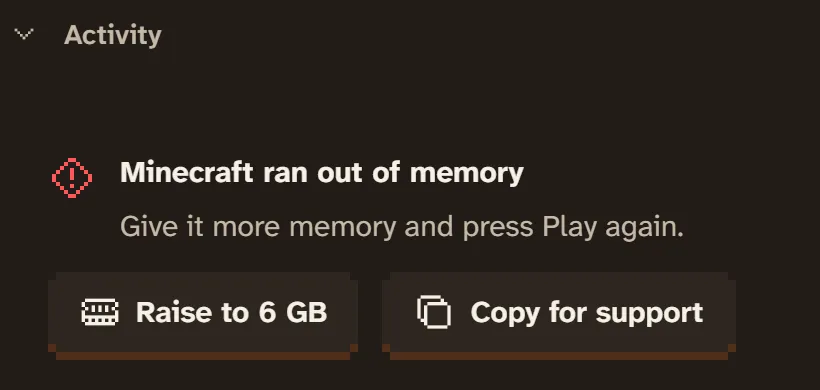
When it breaks, it says why.
No wall of Java errors. You get what happened and what to do next, in your language, with one button to fix it when there is one. The technical detail is still there for whoever helps you.
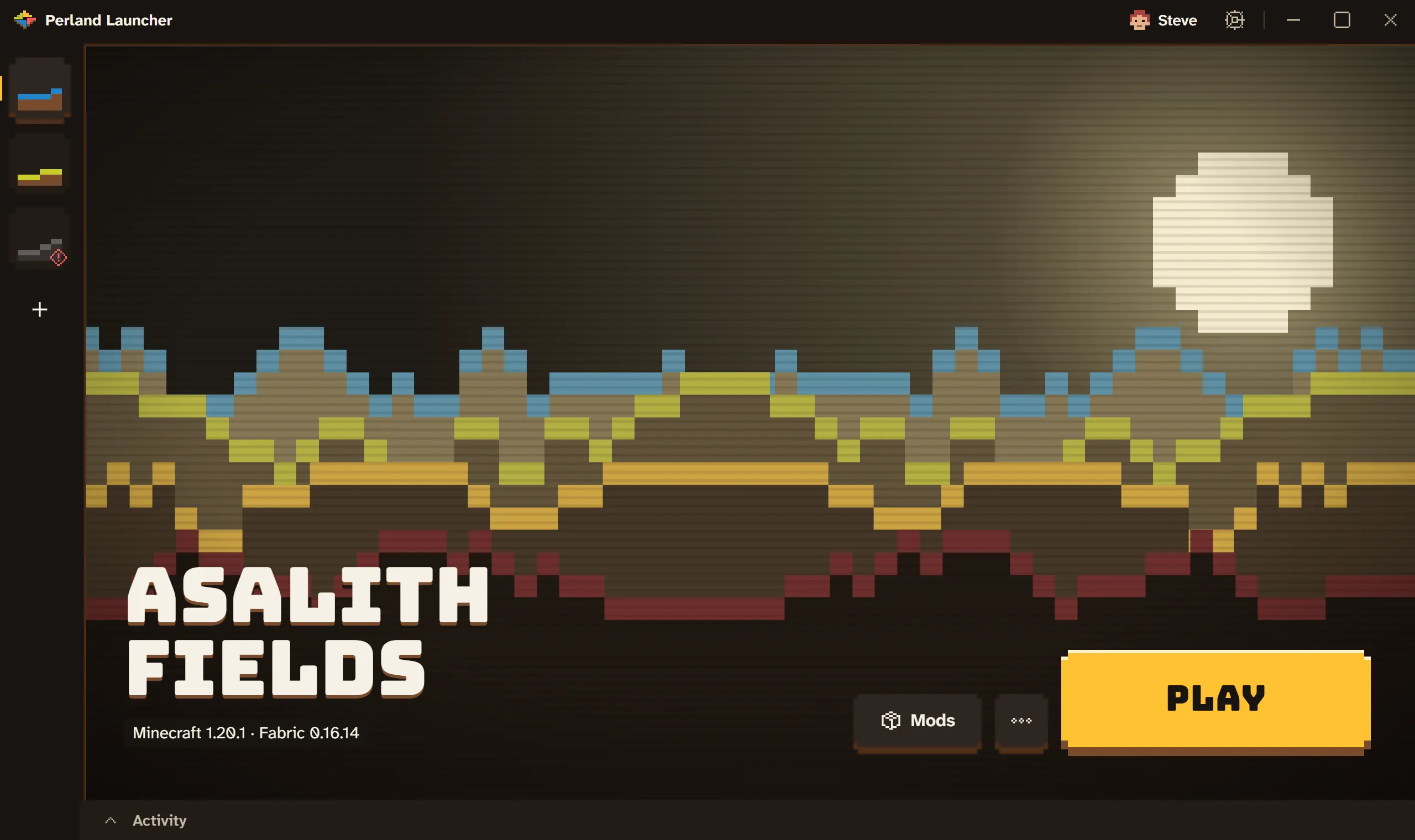
Every world gets its own cabinet.
Keep vanilla, Fabric and Quilt worlds side by side, each with its own version, memory and mods. Each gets a banner drawn just for it, the same on every computer.
Where it's at
The launcher is in closed beta. Here is what the beta does today, and what comes next. No promises dressed up as features.
Works today
- Vanilla, Fabric, Quilt, Forge and NeoForge
- Mojang's official Java, set up for you
- As many worlds as you like, each with its own settings
- Add, switch off and remove mods in any world
- Browse Modrinth for mods, modpacks and shaders
- Modpacks that stay in sync on their own
- Join a Perland server straight from its invite link
- Installer and automatic updates, on Windows and Linux
- English and Spanish, errors included
- Plain-language errors with a fix
Coming next
- Sign in with Microsoft
- Signed installers
- macOS
Free. Open source. Not a fork.
Built from scratch in Rust, licensed GPL-3.0, and not tied to any mod marketplace. Read every line, file an issue, or follow along as it grows.
PerlandDev/perland-launcherGet notified when it's out of beta.
Leave your email and we'll write once, when the stable version is out. Nothing else.
Run a Minecraft server?
Perland is how server owners run their worlds. On Perland, your server's invite page has a Play with Perland Launcher button, so your players get the right setup in one click.
Code signing policy
Free code signing provided by SignPath.io, certificate by SignPath Foundation.
From the first signed release on, Windows installers are built from the public GitHub repository by GitHub Actions and signed only after a maintainer approves the release.
Committers and reviewers: members of PerlandDev on GitHub. Approvers: EstoesMoises.
Privacy: the launcher only connects where it needs to for you to play. That's Mojang (game files and Java); the mod loaders' servers (Fabric, Quilt, Forge, NeoForge); Modrinth and CurseForge for the mods and packs you pick, plus any site hosting a pack you add by link; the server behind each invite link you add, which it also checks for that server's status; and GitHub, to check for launcher updates. It collects no analytics and sends nothing about you beyond what those connections need.