Perland Engine · Panel

Running a server, minus the chores.

A live console and player tools, crash reports in plain words, servers that sleep when nobody is on and backups that take themselves. All of it fits on your phone.
Console, players and bans. No SSH.

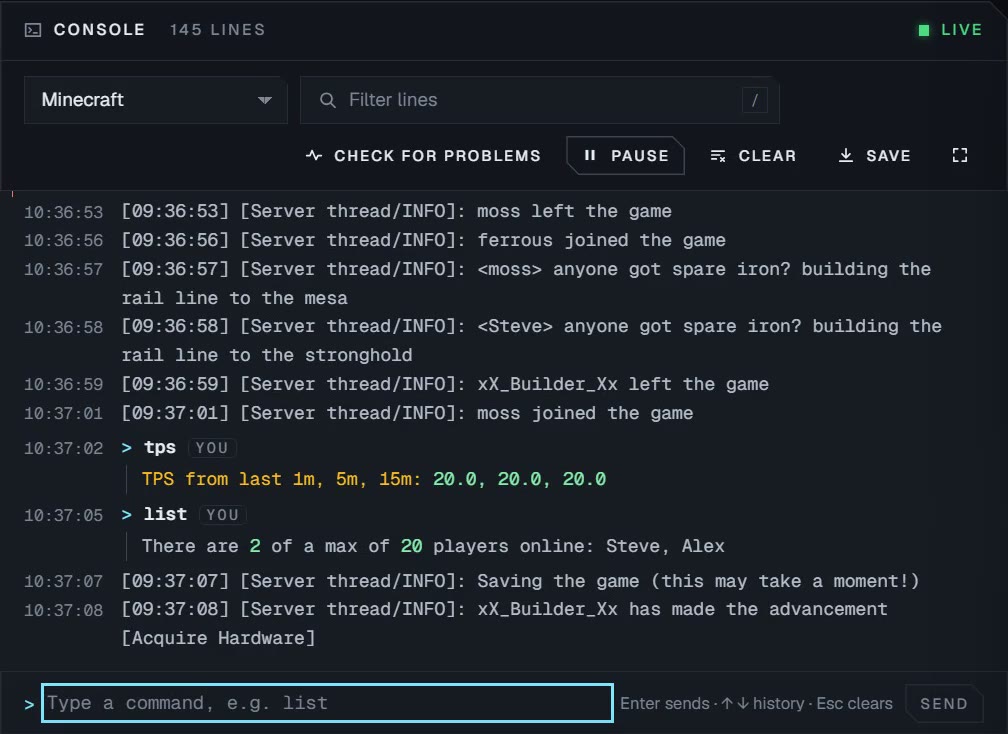
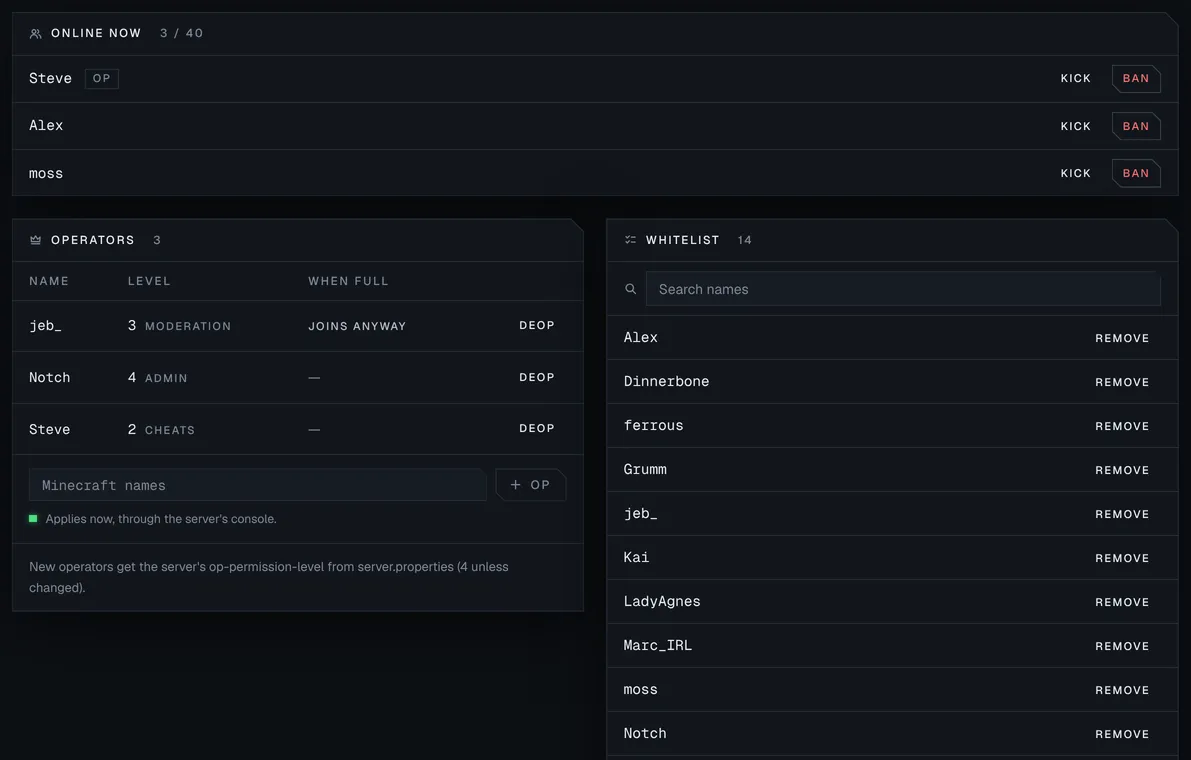
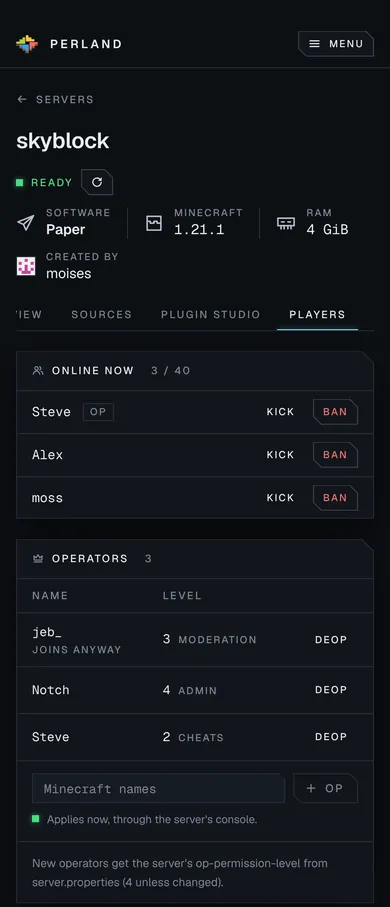
Watch the log live, send commands and ask Perland to check for problems. The Players tab shows who is online, keeps your operators, whitelist and ban list, and changes them even while the server is stopped.
Server · Console Demo data
The Players tab: three players online with Kick and Ban, three operators with their permission level, and a whitelist of fourteen names, each with Remove. The Players tab: three players online with Kick and Ban, three operators with their permission level, and a whitelist of fourteen names, each with Remove.
Server · Players Demo data

When a server won't start, Perland says why.

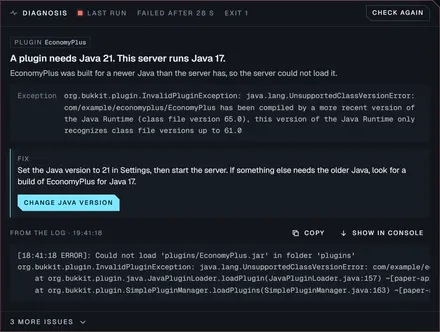
It reads the run for you and puts the most likely cause first, in plain words, with the fix beside it and the log lines that prove it. No more scrolling a stack trace to find the plugin that broke.
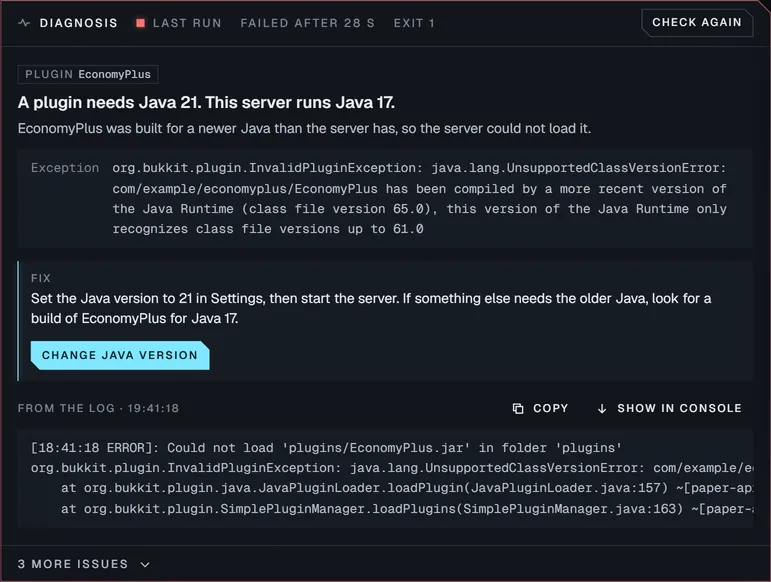
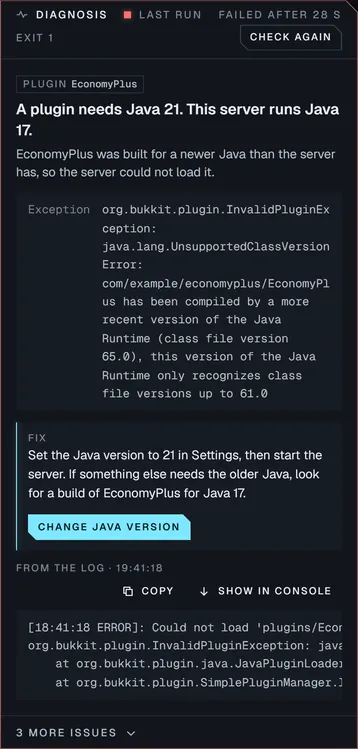
A diagnosis that reads: a plugin needs Java 21, this server runs Java 17. The fix offers a Change Java version button, with the log excerpt underneath. A diagnosis that reads: a plugin needs Java 21, this server runs Java 17. The fix offers a Change Java version button, with the log excerpt underneath.
Server · Diagnosis Demo data
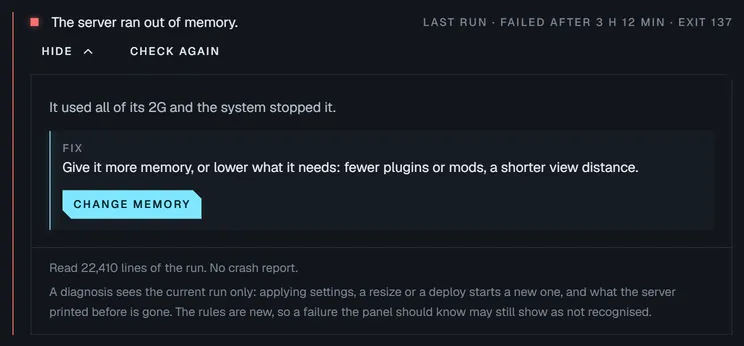
A diagnosis that reads: the server ran out of memory. The fix suggests more memory or fewer plugins, with a Change memory button.
Network · Backend diagnosis Demo data

Failures Perland does not recognise yet are gathered for platform admins, so the diagnosis keeps growing from real runs.

Empty servers sleep. A player joining wakes them.

A server nobody is playing on pauses, then sleeps, and its memory goes back to the servers that need it. Each server can sleep sooner than your plan says. In the server list it shows your own message, and the first player to join wakes it up.
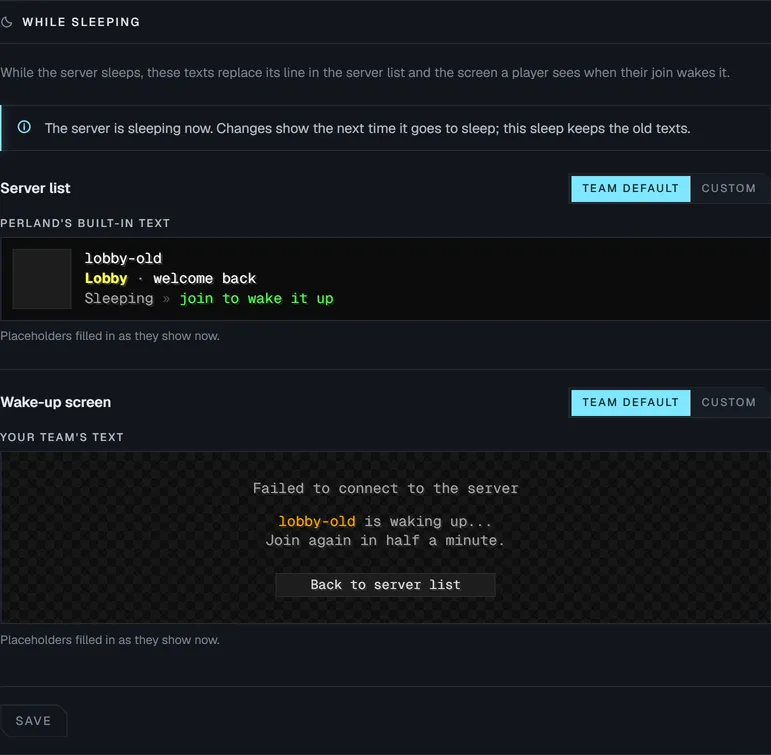
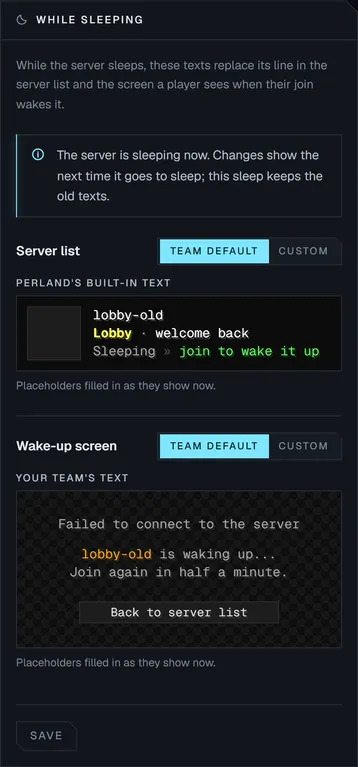
Sleep messages for a server: the server list line reads Sleeping, join to wake it up, and the wake-up screen tells the player to join again in half a minute. Sleep messages for a server: the server list line reads Sleeping, join to wake it up, and the wake-up screen tells the player to join again in half a minute.
Settings · While sleeping Demo data
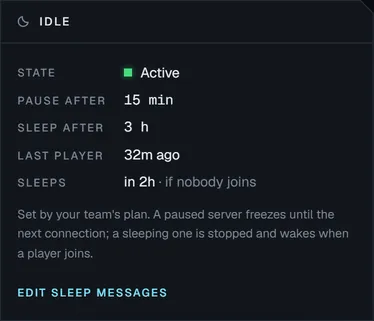
The Idle panel: the server is active, pauses after 15 minutes and sleeps after 3 hours if nobody joins.
Server · Idle Demo data

Backups that take themselves.

Every server is backed up on your plan's schedule to storage off the machine, and a run is skipped when nothing changed. Perland also takes one before a risky change, when a server goes to sleep and before it is deleted, so the world you had is always one step back.

Schedule
From hourly to daily, set by the plan, with daily, weekly and monthly copies kept
Safety copies
Before a version change, a deploy or a world reset, and before a server is deleted
Keep for good
Lock the backups that matter so cleanup never removes them
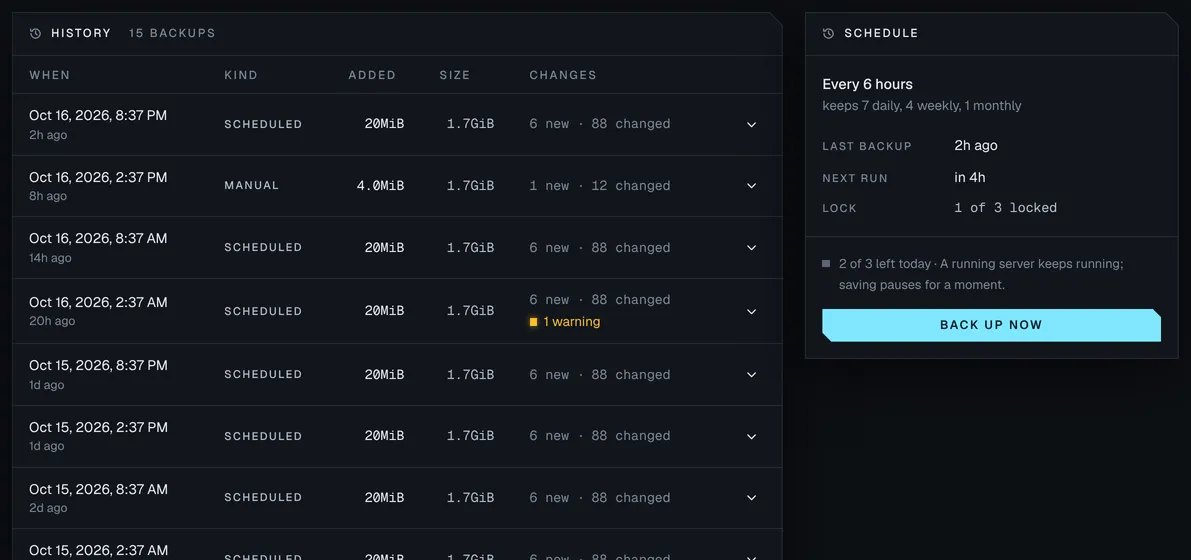
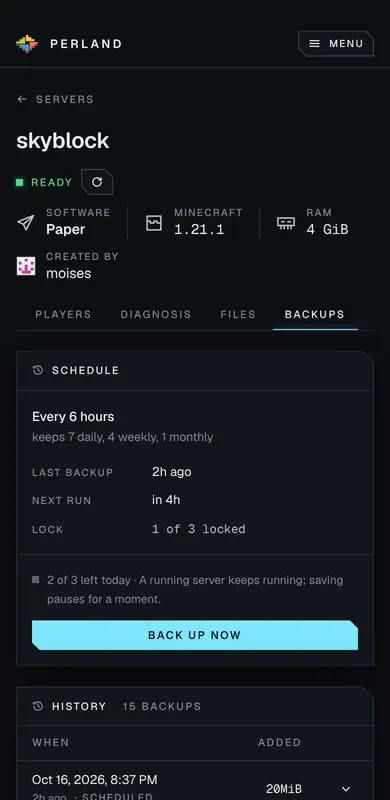
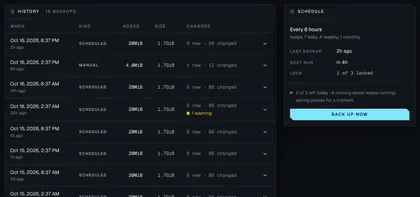
The Backups tab of skyblock: a history of fifteen scheduled and manual backups with when, kind, size added, total size and files changed, one with a warning, and a schedule panel: every 6 hours, keeping 7 daily, 4 weekly and 1 monthly, with Back up now. The Backups tab of skyblock: a history of fifteen scheduled and manual backups with when, kind, size added, total size and files changed, one with a warning, and a schedule panel: every 6 hours, keeping 7 daily, 4 weekly and 1 monthly, with Back up now.
Server · Backups Demo data

Restoring a backup from the Panel is next on the roadmap.

Your world is yours to take.

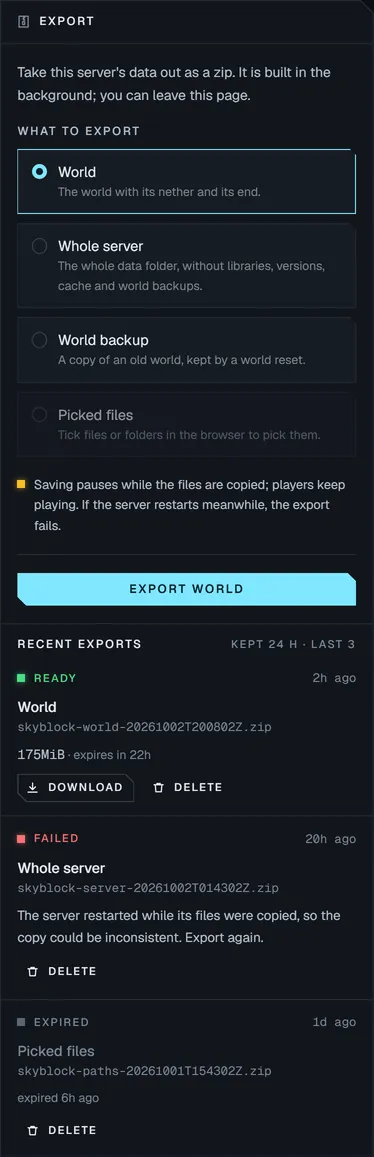
Browse a server's files and export the world, the whole server or just the folders you pick as a zip. Reset a world with a new seed and the old one is kept as a backup.
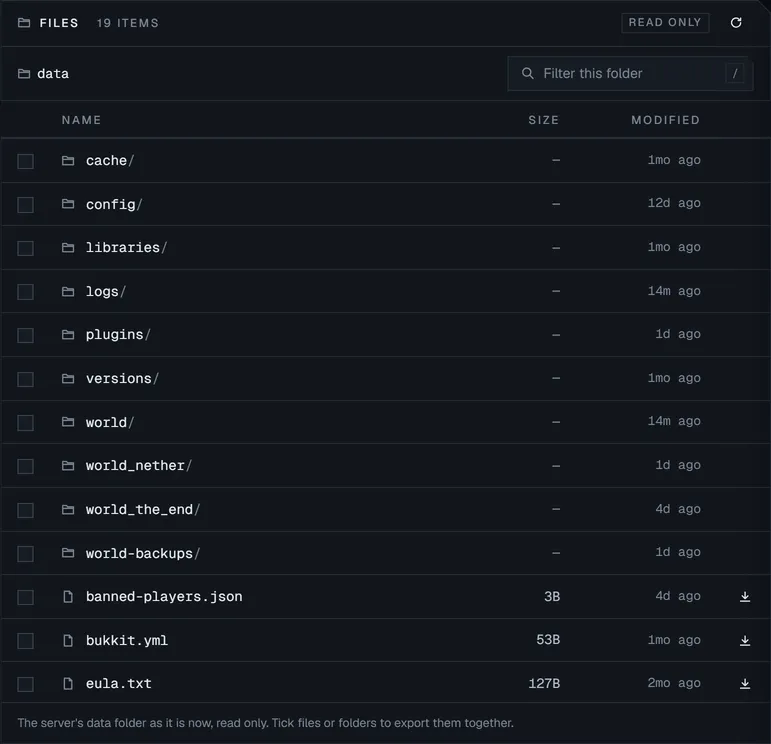
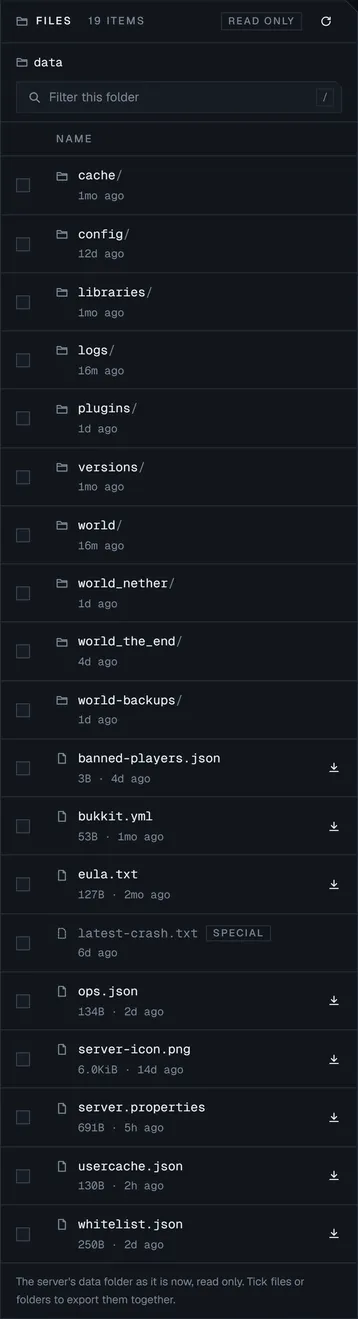
The Files tab listing a server's data folder: world, nether and end folders, plugins, server.properties, whitelist and ops. The Files tab listing a server's data folder: world, nether and end folders, plugins, server.properties, whitelist and ops.
Server · Files Demo data
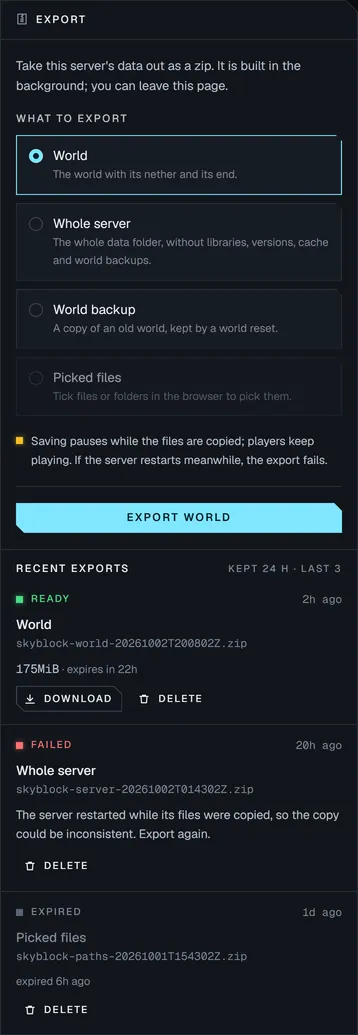
The Export panel: choose the world, the whole server, a world backup or picked files, with recent exports ready to download. The Export panel: choose the world, the whole server, a world backup or picked files, with recent exports ready to download.
Server · Export Demo data

On your phone, between sessions.

The whole console works on a phone: check that a server is up, copy the address for a friend, restart it from the sofa. Pages update the moment a server starts, stops or crashes, and your theme and accent colour follow your account to every device.
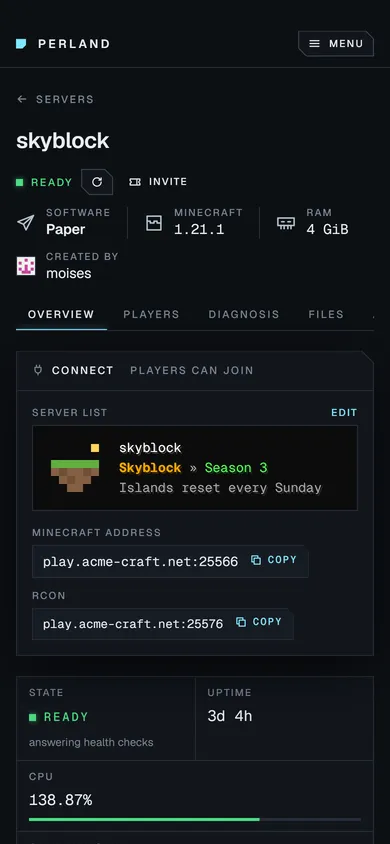
The server page on a phone: the skyblock server is ready, with its server list entry, address, uptime, CPU and memory.
Server page · phone Demo data
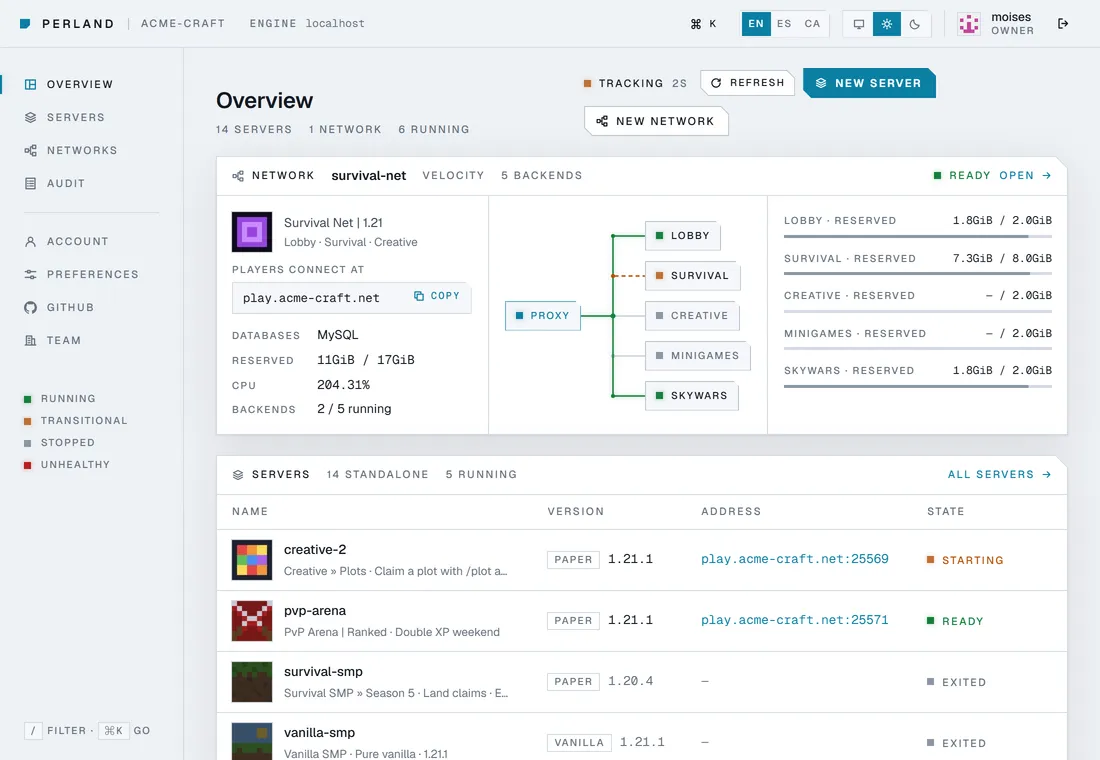
The Panel's overview in its light theme: a network with its wiring and the list of servers.
Overview · light theme Demo data

Get early access to Perland.

Perland is in private pre-release. Join the waitlist and we'll let you know as soon as early access opens.

I'm a